Thermal Transfer Printable Peptide Vial Labels: LOT, EXP and Ribbon Compatibility
Imagine the first local-print sample is clear, but a replacement ribbon arrives before the next run. Its carton carries the same broad ribbon category. The buyer now needs to decide whether the approved output still applies, before a preprinted roll becomes unusable inventory.
The short answer: specify the thermal-transfer printer, ribbon, label surface and variable-data area as one system. A ribbon that prints sharply on one coated film may smear, scratch or refuse to transfer on another. The only useful approval is a final-size test made with the production combination.
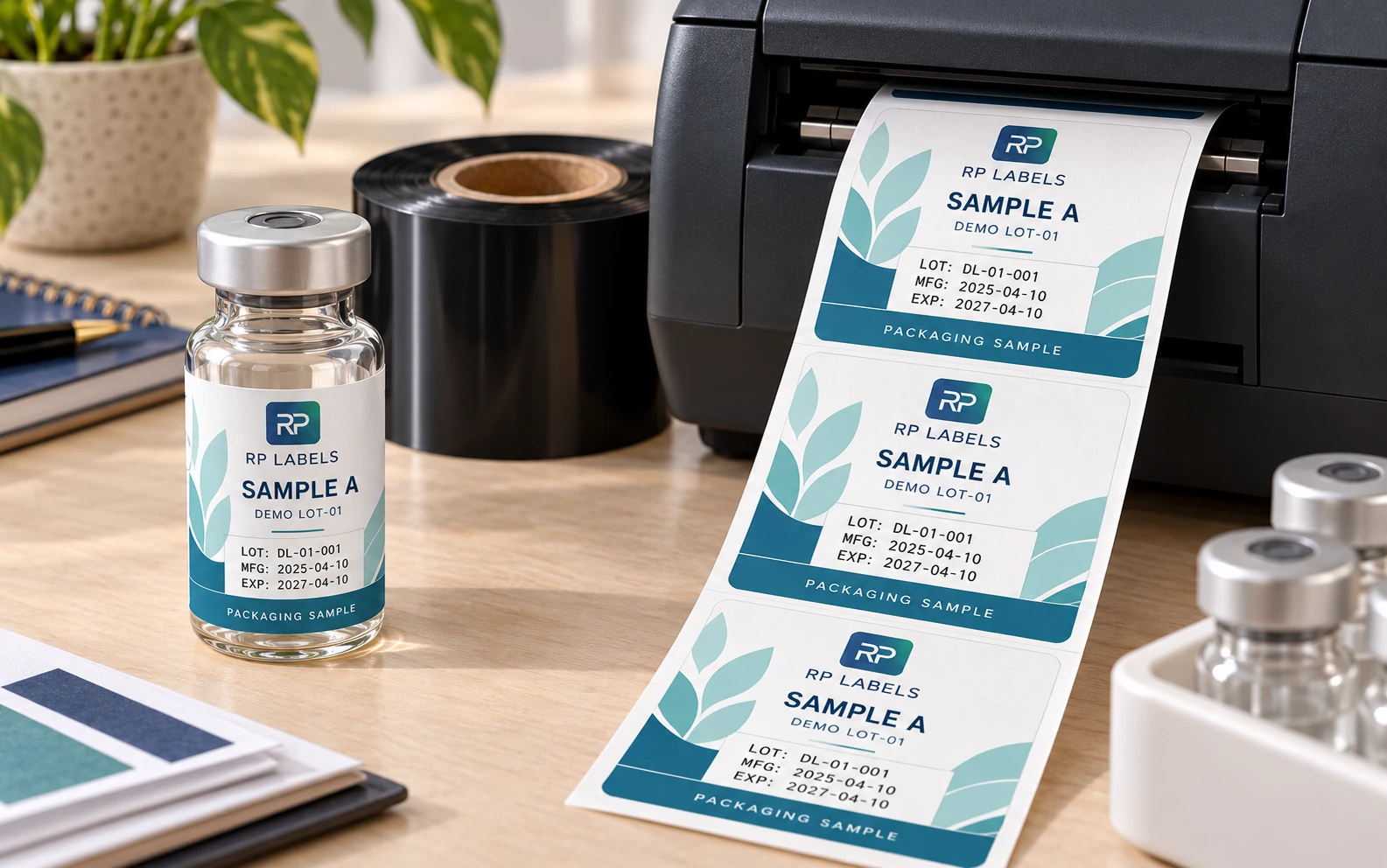
AI-generated packaging illustration. Fictional RP demonstration samples; not an actual order, completed test, authentication or approval record. Any displayed checks or codes are illustrative.
Start with the information that changes
List every variable field before the label is designed: lot number, manufacturing date, expiry date, internal code, serialized ID, barcode or QR destination. Then identify the longest realistic value. A field sized for “LOT 01” will not gracefully accept a longer production format later.
Keep these fields together when operators print them in one pass. Scattered date and code boxes force more alignment work and make template control harder. On a small vial, one compact variable-data panel is usually more reliable than three decorative callouts.
The printable surface must remain printable
A glossy laminate gives excellent handling protection, but many standard ribbons do not anchor well to it. A printer can instead reserve an unlaminated or specially coated window, use a compatible overlaminate, or print the variable data before a later finishing step. The correct route depends on who prints, when they print and what resistance is required afterward.
Buying rule: never approve “thermal-transfer printable” as a generic sentence. Approve the exact facestock, finish, ribbon family, printer model and test result.
Wax, wax-resin and resin are starting categories
Wax ribbons are commonly economical and easy to run on receptive paper surfaces, but they normally offer the least resistance to rubbing, moisture and chemicals. Wax-resin is a middle route for stronger durability on selected paper and film constructions. Resin ribbons can provide higher resistance on compatible synthetic materials, but may require more heat and careful printer settings.
Those are categories, not guarantees. Formulations vary by ribbon maker, and the label topcoat matters just as much. A high-priced resin ribbon is not an automatic upgrade if it cannot bond to the selected surface or if excessive heat distorts the print.
Protect the code from the vial curve
Linear barcodes and QR codes lose margin quickly when wrapped around a narrow diameter. Place the code where a scanner can see enough of it in one view, preserve the quiet zone and avoid the overlap seam. Print one at final size, apply it, and test more than one phone or scanner under ordinary lighting.
Lock the template without locking the operator out
The operator should be able to change approved data fields without accidentally moving the logo, dosage, caution text or code boundary. Use a controlled template with named fields, fixed fonts, minimum character sizes and a documented date format. Save the approved version with the label construction and ribbon code.
If multiple sites print the same label, collect a physical output from each printer. Matching model names do not guarantee matching heads, maintenance, settings or ribbon stock.
Durability must reflect the real handling route
A crisp print straight from the printer tells you very little about its life on the vial. Allow the print to settle, then rub it dry and with the actual wipes or cleaners used in handling. Repeat the check after refrigeration and condensation if those conditions apply. Also inspect whether the variable data remains readable where fingers naturally grip the vial.
Approval test checklist
- Print the longest LOT and EXP values at final size
- Use the production printer, ribbon and speed settings
- Apply labels to the actual vial, not a flat test panel
- Scan QR and barcode fields before and after application
- Keep variable data away from the seam and tightest curve
- Test dry rub, expected wipes, cold and condensation
- Record printer settings, ribbon code and label construction
- Archive the approved template with a dated physical sample
A ribbon substitution creates a new question
Imagine an operator receives a different ribbon after the original one becomes unavailable. The carton still says resin, and the printer model has not changed. That does not establish an identical output. The relevant identity is the exact combination, including the finished printable zone and controlled template. Ask the supplier for a candidate match and review the output before treating the replacement as an equivalent reorder.
The worked combination record, blank record and field guide retain a baseline and a proposed change. The second row records changed factors instead of assuming a category name is enough. Actual settings, observations and release remain open. It is not a demonstration that a particular RP surface works with a named printer.
The print owner should retain the actual output and relevant application evidence with the combination reference. If multiple sites use the same template, identify the outputs separately where hardware, consumables or settings differ. A change can be acceptable without being invisible. Zebra's ribbon guidance treats material compatibility and environmental performance as selection considerations for its products, not as approval of another supplier's finished label.
For stable fixed artwork with little later data, professional preprint may avoid unnecessary local work. Where changing fields justify local printing, buy the receptive zone and operating responsibility together. Send RP the combination brief, artwork, quantities and actual printer/ribbon references; ask for proposed printable construction and sample coverage before ordering the production stock.