Missing Print in a Lot or Expiry Field: How to Review a Preprinted Label Roll
A brand orders preprinted vial labels with an open space for the packer to add a lot code. The first few labels look acceptable, then a pale streak cuts through several characters. Before approving the roll or changing suppliers, the team needs to separate the label surface, ribbon, printer setup and data from one another.
Hold affected labels and preserve an example. A missing line can have more than one explanation; its appearance alone does not prove that the label stock is defective. Ask the line operator to follow the specific printer manufacturer's procedure, and agree which combination of preprinted construction, ribbon and settings should be tested.
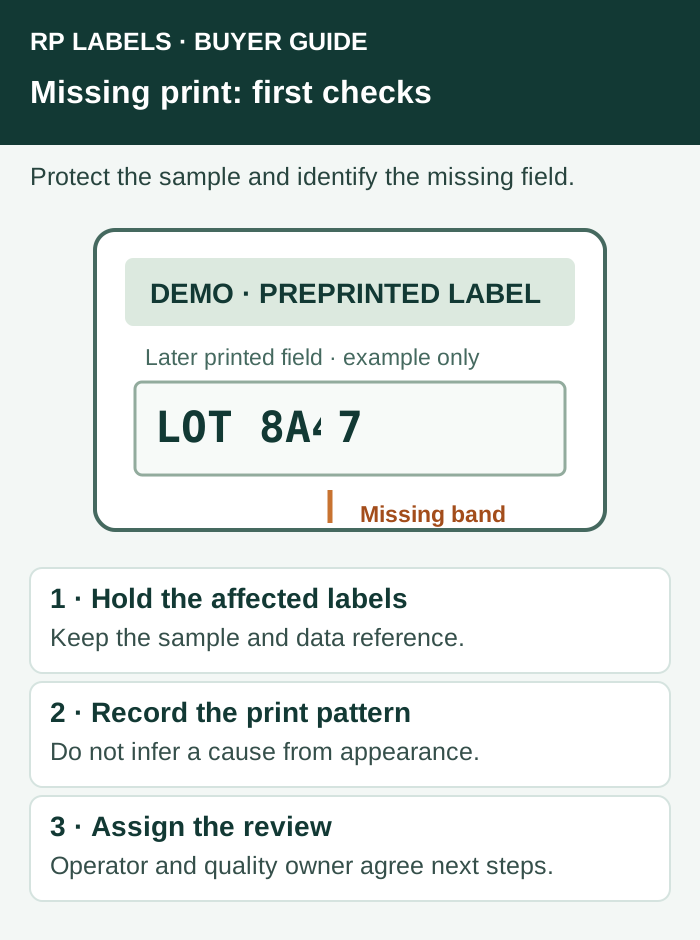
Identify which print is missing
Record the label ID, artwork revision, affected field, the first and last labels known to be affected, and whether the defect appears in the original preprint or in a field added later. Keep the actual printed sample and the authorized data reference together. If a machine-readable code is affected, a single phone scan is not a substitute for the applicable quality and data checks.
A gap that repeats at a fixed position, a diagonal blank area that changes between labels and a weak field on only one surface are different observations. They may help the operator narrow an investigation, but none identifies the cause by itself. Zebra's print-quality guidance discusses several contributors, including the combination of ribbon and labels, preprinted surfaces and printhead contact. Its guidance applies to the equipment and conditions it describes, not automatically to every line.
Keep the surface and ribbon identity with the sample
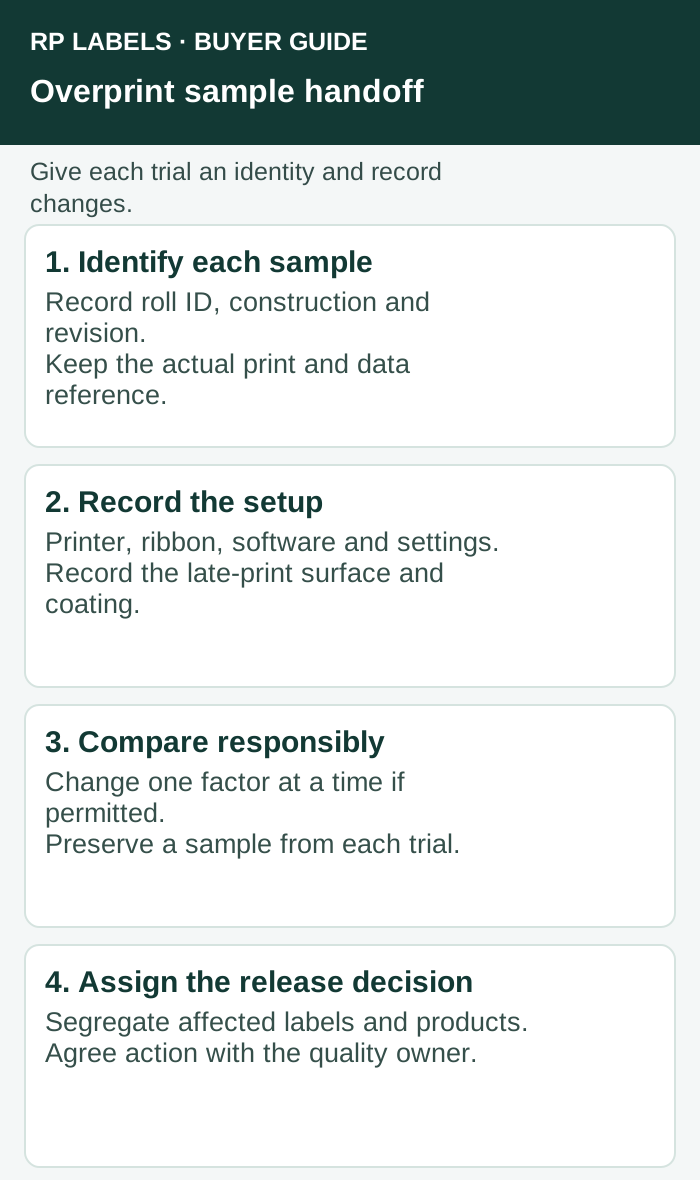
Write down the printer model, label material and supplier reference, preprinted ink or coating in the late-print zone, ribbon type and lot, print speed, darkness setting and the approved software template. Do not guess at missing values. If the gap occurs only over a varnish, a preprinted color or a laminated area, tell the label converter exactly where that surface starts and ends.
The late-print window guide explains how to request and approve a printable window before ordering. This article handles the different question of what information to preserve when an actual later print is incomplete. A window that looked blank on the artwork may still have a coating; only the construction specification and an appropriate trial can establish what was supplied and how it performs.
Change one factor at a time under the operator's procedure
If the site permits a controlled trial, start with a representative label and the ribbon approved for the job. Preserve a sample from each trial and record any change. The operator may need to inspect the ribbon path, the printhead or media loading using the applicable machine manual. Ask the converter about an equivalent uncoated or known-compatible surface only if it can provide an identified comparison; do not substitute an unknown roll and assume all other variables are equal.
Zebra's ZE511/ZE521 guide describes ribbon wrinkling as one possible source of print voids for those models. A printer with a different design can have different checks. Never adjust a hot or moving printhead outside the equipment's safety instructions, and do not keep increasing darkness as an unrecorded substitute for diagnosis.
Decide who can release the affected material
For an unreadable or incomplete lot or expiry field, the decision is not simply whether the machine starts printing again. The brand or quality owner should identify the labels and products in the affected interval, agree how they are segregated, and decide whether each can be reworked or must be rejected. Applicable market, product and traceability requirements belong to the responsible organization; this guide does not set those requirements.
For a code, compare the decoded data with the authorized source and use the verification method required by the relevant standard or trading partner. The site's barcode verification guide explains why a successful scan and a print-quality report answer different questions. Releasing labels depends on the actual criteria and people responsible for the job.
What to send with an RP Labels inquiry
When ordering vial labels or supplement labels, send the printer model, intended ribbon and late-print field, the label material and finish, actual field dimensions and the expected handling conditions. Ask whether the proposed construction has an identified printable area and what representative sample can be supplied. For an existing issue, add photographs, the affected roll ID and preserved printed samples. A useful quote specifies both the preprinted artwork and the buyer's later printing responsibility.
Sources and scope
Sources accessed November 1, 2026: Zebra print-quality guidance; Zebra ZE511/ZE521 user guide. The workflow is a conditional editorial example, not an RP production record, test result or guarantee.