A color-printed vial label can be finished, wound and shipped before the buyer knows the final lot number. That is a normal workflow. Trouble starts when the label has been protected with a glossy finish that the buyer's thermal-transfer ribbon will not print on reliably. The roll looks complete, but the last variable field cannot be added with confidence.
I would treat the lot window as a second print job, not as a white box in the graphic file. The buyer's printer, ribbon, speed and final face surface all belong in the specification. A digital PDF proof cannot tell you whether a code will smear, skip or remain readable after handling.
Finish choice changes what can be printed later
HERMA's printed-roll guidance distinguishes finishes that can be subsequently thermal-transfer printed from glossy protective finishes that cannot. It lists a matte, thermal-transfer-printable varnish and a matte laminating film as possible choices for later lot or date coding. Those are examples of compatible constructions, not a promise that any arbitrary ribbon works on any matte surface.
Avery Dennison's overlaminate overview similarly identifies thermal-transfer-printable films for variable information and calls for ribbon testing. If the brand wants high-gloss graphics, a practical layout can confine that finish to the fixed artwork while leaving a deliberately specified printable field for the later code. The boundary should be visible in the finish map supplied to the converter.
Proof with the actual ribbon and printer
Send several preprinted sample labels through the same thermal-transfer model used in production. Use the actual ribbon grade, printhead setting and speed. Print the longest lot value, the smallest planned characters, and a representative barcode or 2D code if one is needed. Let the print cool, handle it, rub it as the packing process would, and inspect whether the edges of characters remain sharp. A single perfect label on a desktop printer does not validate a different production printer.
HERMA's thermal-transfer guide explains that ribbon type, label material and printer temperature interact. The supplier can recommend a construction, but the buyer should approve the actual combination. If the first trial is poor, record whether it was a transfer problem, a surface problem, or a data layout problem before ordering a new roll.
Protect the field through application and storage
Keep the overprint window away from the label seam and from high-contact edges. Do not place small type where a round vial immediately curves out of normal view. If the vial is handled cold or wet, check the later-printed data after that handling as well as after initial printing. The fixed artwork might be protected beautifully while the variable code is the first thing a gloved hand rubs.
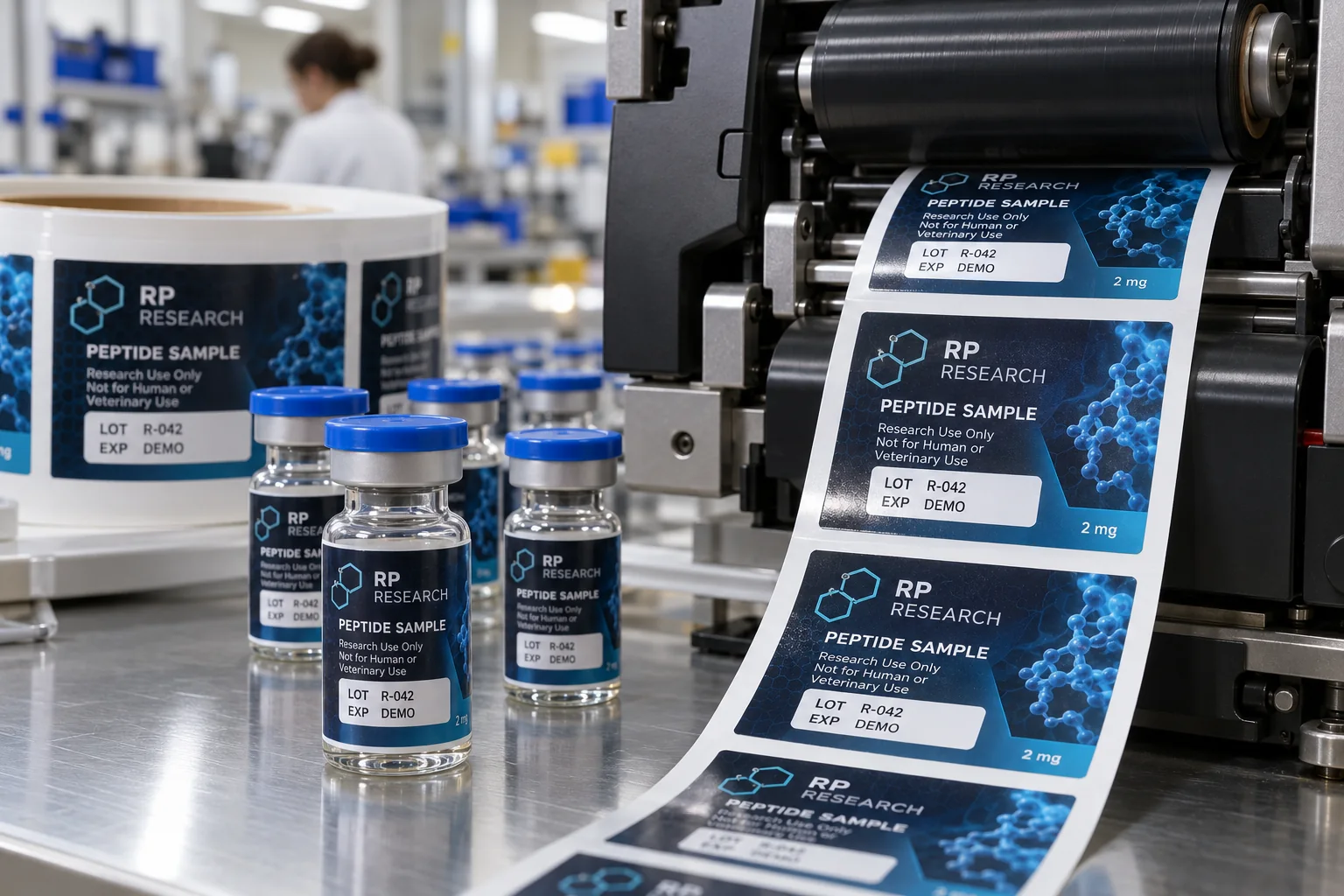
The image on this page shows fictional LOT R-042 and EXP DEMO text. It is not a validated batch record or expiration claim. The brand supplies and approves real data rules. A printer should not invent dates, and an attractive mock code is not a scan test.
Put the entire late-print workflow in the quote
Tell the converter the vial size, label material, artwork, exact overprint-window size, whether the finish is varnish or laminate, printer model, ribbon type, variable text height, expected number of versions and roll direction. Request a finished sample roll for the buyer's own printer before bulk conversion. That small test is more informative than a specification that says only "thermal transfer printable."
Sources and scope
Reviewed October 4, 2026. The primary references linked below support the identified technical points. Buying scenarios and inspection checklists are editorial guidance, not RP production records, certification, legal approval or universal acceptance standards. Demand layer: competitor and process pages linked here, including Avery, HERMA or OnlineLabels where cited, illustrate buyer language and process topics only. They do not supply RP minimum quantities, lead times, prices, certifications or materials. Authority layer: an RP number is backed only by a factory datasheet, a signed quote or proforma, confirmed product data, or a fact kept on the About page. The March 2026 proforma there is one production-run example, not a standing offer. RP shipping and planning pages describe what to confirm on a quote. Worked figures on this page are fictional unless an authority source is named for them.