Supplement Label Barcodes and QR Codes: Give Each Scan a Defined Job
A bottle has a retail barcode and a QR code, but the proof email asks only whether both look sharp. In a hypothetical launch, the warehouse expects one result and the marketing team expects another. The label needs a scan-purpose brief before it needs a decorative border around either code.
Marketing wants the product page one tap away. Retail operations needs the correct item record at checkout. Neither team is asking for the same thing. I would put a phone and the retail workflow requirements beside the proof, then ask each owner to identify their code. That simple division gives the designer a reason for the space each symbol occupies.
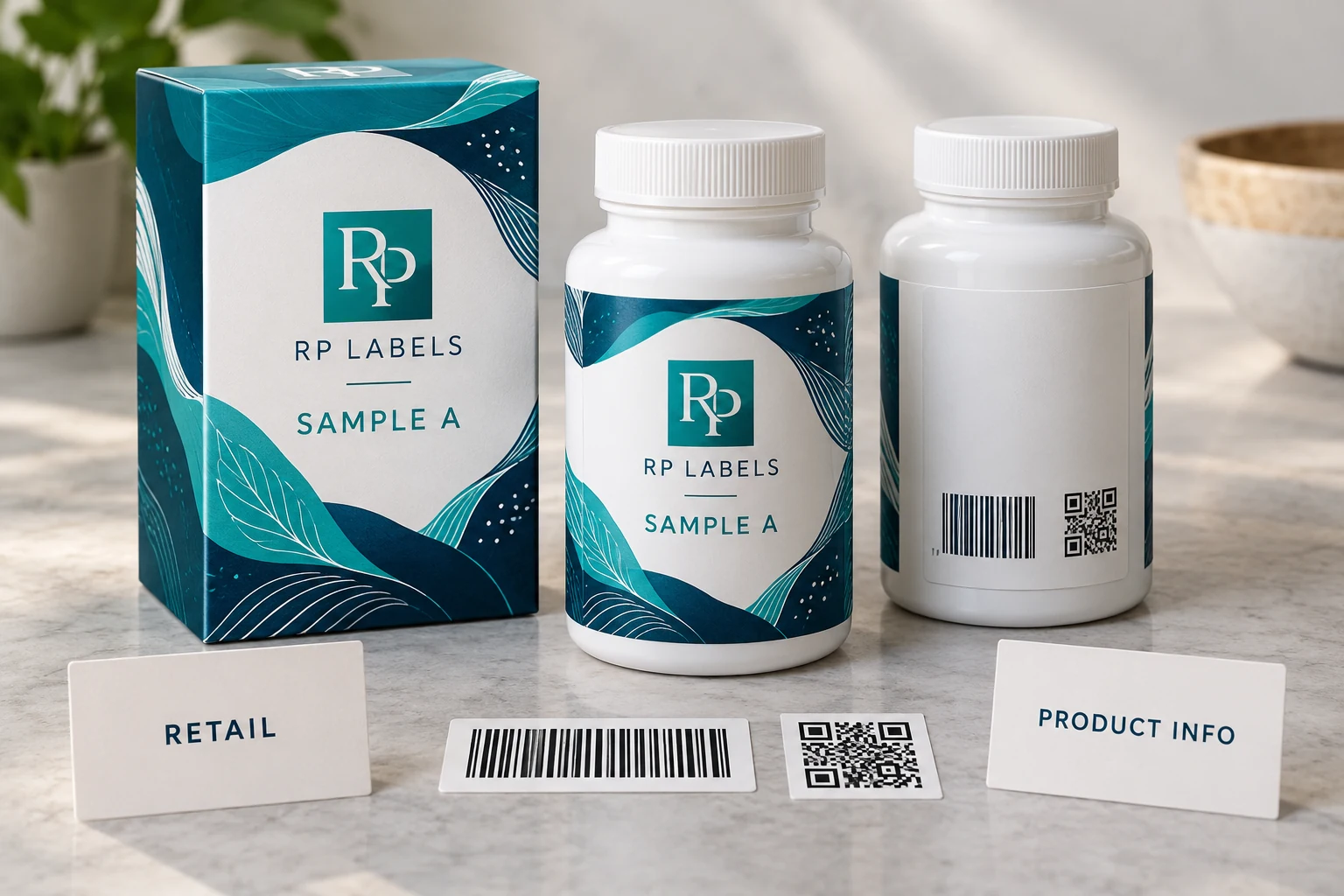
AI-generated packaging illustration. Fictional RP samples show the proposed decision; no physical test or customer order is documented.
Approve the destination as well as the printed square
Write one line for each actual scanning task: who scans, which device or system they use and what should happen. The retail code may identify an item in a trading partner's system; a product-information QR may open a brand-controlled page. Confirm the actual requirements with those owners. A successful phone visit cannot stand in for a retailer's acceptance check.
Use the worked code-purpose record to keep the data reference separate from the artwork file. Record the encoded value or controlled source reference, the intended result and the person who can authorize a change. If a QR opens a draft page, mark it pending even if it scans perfectly. If the destination redirects, have its owner check the final experience as well as the initial link.
For the physical proof, examine the actual applied bottle with its finished label construction. Observe the code background, clear margins and curvature. Keep the barcode quality task distinct from content correctness: a well-printed wrong identifier is still wrong. Where formal verification is required, obtain the applicable verification evidence rather than recording a phone scan as a grade.
A bottle with adequate space and a clear need for both codes can carry both. Where the second code has no useful task, removing it may improve the package. A carton can offer another scan surface when the approved packaging plan supports that placement, but it does not automatically replace a code needed on the individual item.
Send RP Labels the container, final code assets, intended scanning contexts and quantities. The print discussion can then protect the right areas while the brand and trading partners confirm the data and workflow they control.
One symbol may sometimes serve both tasks. GS1 Digital Link describes retail 2D codes that can support product identification and access to online information. Confirm the actual trading partner, encoding and system requirements before removing an existing retail symbol. This guide separates the scan purposes; it does not require two printed codes on every bottle.
Give the barcode and QR code different jobs
A retail identification task and a consumer-information task are different, even when one accepted code can support both. The barcode is normally used by a defined retail or inventory workflow; the QR code can send a customer to a page, product guide, reorder flow or other buyer-controlled information. Decide the purpose of each code before adding both. Two codes with unclear roles make the packaging look busy and make proof review harder.
| Retail barcode | Reserve a calm high-contrast area and confirm the applicable format and acceptance criteria with the retailer or marketplace. |
|---|---|
| QR code | Use it for a specific destination and confirm that the final URL is live before approving the design. |
| Batch or serial field | Keep a defined variable-data zone separate from scannable codes and fine decorative effects. |
| Matching box | Use the box for codes or information that would force the bottle label into an unreadable layout. |
Place codes where the bottle stays most predictable
Curved shoulders, deep bottle ribs, seams and narrow panels can distort or interrupt printed elements. A flatter lower back panel is often easier to scan than a label edge wrapped around a tight curve. The right location depends on the actual bottle, so share its diameter, label panel and a photo rather than relying only on a generic bottle template.
Contrast is more useful than decoration in a scan zone
Very dark gradients, foil and holographic effects can give a supplement label a premium finish. They are less helpful behind a code that has to scan consistently. Reserve a solid, quiet panel for the code and let the special finish work elsewhere in the layout. This produces a more intentional design than trying to decorate every square centimeter.
Verify the market rule outside the print proof
A digital proof can confirm that a code has a clear visual position. It cannot determine whether a particular retailer, fulfillment system or market accepts the code format you chose. Confirm those requirements with the platform, retailer or operations owner before placing a production order. RP can support the printed label layout once that information is supplied.
Worked two code purpose record
The rows below are hypothetical planning examples. Empty observation or commercial fields must be completed from the actual project; no sample has been tested for this article. Use the worked CSV and blank worksheet with the field guide. Keep the example references separate from production records.
| code reference | scan purpose | reader or system | authorized data reference | expected result | physical check | approval owner |
|---|---|---|---|---|---|---|
| DEMO-RETAIL | Item identification | Trading partner system | Buyer supplied source | Correct item record | Applied-pack verification as required | Retail operations |
| DEMO-INFO | Product information | Customer phone browser | Brand controlled destination | Correct approved information page | Applied-pack scan and destination review | Web owner |
Bring this decision into the print inquiry
Contact RP Labels with the completed two code purpose record, the actual packaging reference, approved artwork and quantity per design. State which fields remain unresolved so the print specification and any relevant sample scope can be discussed against the same decision.
Related buying guidance: Custom supplement labels; Supplement bottle and box label planning; Supplement label materials and finishes.