Variable Vial Label Data: Release the Join Between SKU, Artwork and Lot
A lot field can be perfectly sharp and still belong to the wrong SKU. In a hypothetical two-job changeover, the new data file is loaded while a familiar-looking old label roll remains on the machine. The release question is the join between artwork and data, not just whether the printer can make small characters.
The artwork team has signed its file. The operator has loaded a data file. Each person can finish their own task while the relationship between the two remains unchecked. I would put the physical sample beside both authorized references before release. That is the moment to catch a tidy, legible label that belongs to the wrong job.
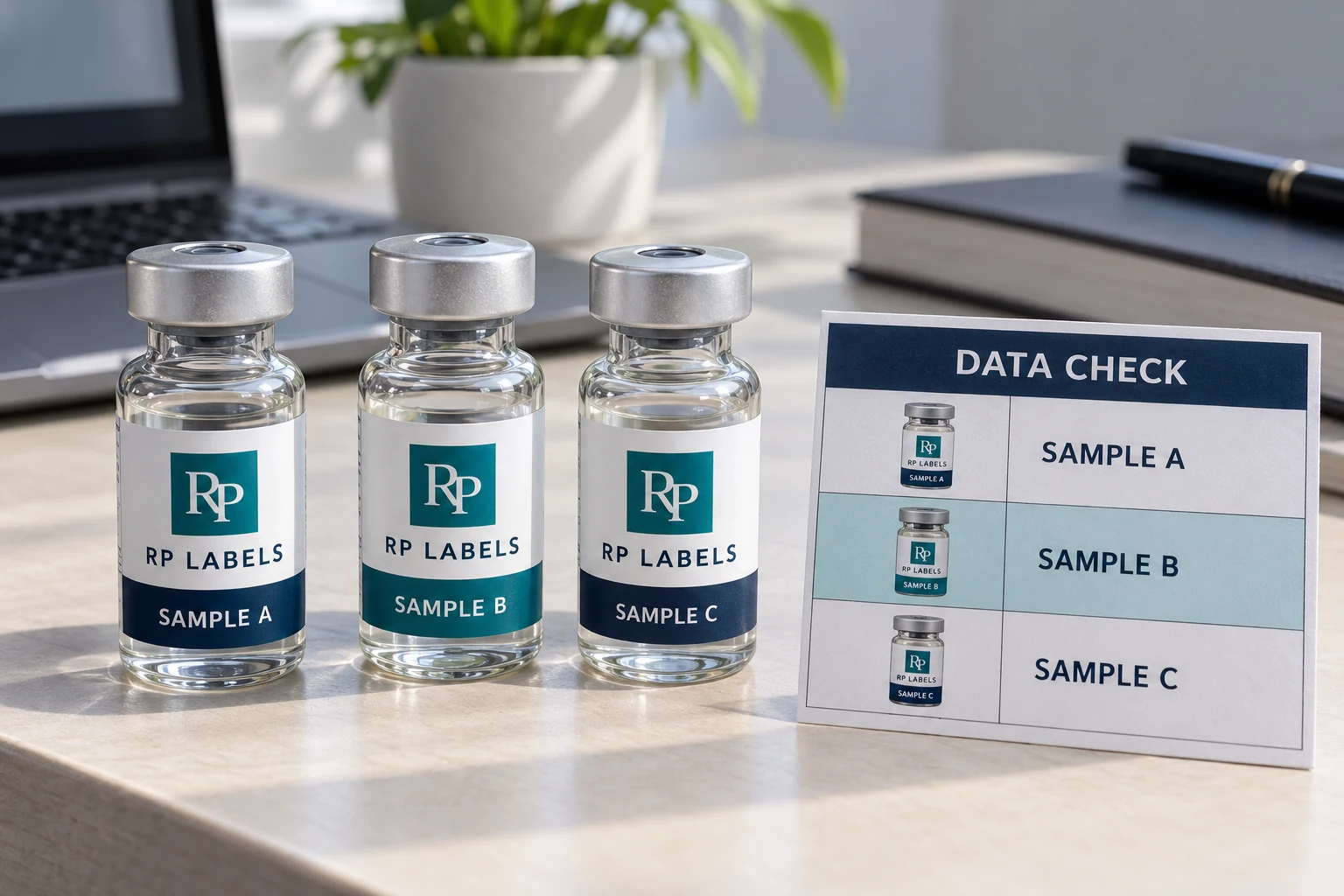
AI-generated packaging illustration. Fictional RP samples show the proposed decision; no physical test or customer order is documented.
Review the relationship before the individual fields
Assign a job reference that connects the active SKU, artwork revision, construction and authorized data file. The worked record includes these as separate columns because a visually convincing label cannot prove the relationship on its own. Use dummy values in the public example and the buyer's controlled source in production.
Have the data owner confirm the field definitions and maximum permitted strings. Have the line or print owner confirm how that source enters the printing process. Then compare physical output against both the active artwork reference and the authorized data, using the sampling and stop rules agreed for the project. This article does not prescribe a universal inspection frequency.
A mismatch needs a defined containment action. Record the last known accepted point, the uncertain output and who may authorize restart under the buyer's procedure. Keep the affected labels identified. Reprinting the corrected field is not enough if somebody can still pick the uncertain roll from a nearby tray.
For stable data finalized before conversion, a combined controlled printing route may simplify the handoff. Where lot values become final at packing, preprinted artwork with later coding may be more practical. The choice changes who owns the final data release. A digital artwork approval cannot cover information that did not yet exist.
Send RP Labels the dummy schema, SKU/artwork map, actual coding method and quantities. Ask what part of the print and sample process can be quoted, while the buyer and packer confirm their own data and line controls. The resulting approval should identify what was checked and what remains another party's responsibility.
Decide when each field is actually printed
A converter may preprint the colour artwork and reserve a suitable panel for later on-demand marking. Alternatively, a digital workflow may print both in one controlled pass. The right choice depends on where the authoritative lot data lives, when it becomes final, the quantity per SKU and the available inspection equipment. GS1's barcode planning guidance describes preprinting multicolour graphics while leaving space for dynamic information added inline. It does not prescribe that workflow for every vial.
The buyer should ask a less glamorous question than “Can you print variable data?”: who loads the data file, who approves its format, and who checks that the last printed label belongs to the same job as the first? If a printer can handle the artwork but the data handoff is a spreadsheet forwarded without version control, the production risk has merely moved.
Write a field map a packer can use
Identify each variable field by name, permitted characters, maximum length and source system. State whether the field is human-readable, machine-readable or both. Put the location on a production-size proof, not a zoomed PDF alone. Leave space for the worst permitted value, not the shortest example. A field that fits LOT A1 may collide with the seam when a longer real identifier arrives.
If a 2D code is involved, specify its actual symbology and data structure before artwork approval. Do not call every square pattern “a QR code.” GS1's 2D implementation guidance explains why a variable batch or date may require printing at the production line. The right quality criteria depend on the chosen symbol and scanning use case; a decorative sample code in a mockup proves nothing.
The three checks I want before release
| Check | Evidence to keep | Failure it catches |
|---|---|---|
| Artwork identity | Approved file revision and physical SKU reference | Correct data on the wrong preprinted label |
| Data content | First, middle and last sample compared with the authorized record | Wrong lot, shifted field or mixed job |
| Print quality | Legibility check and code verification where applicable | Readable on screen but unusable after print/application |
The first-middle-last approach is a practical sampling proposal, not a universal statistical standard. The buyer and printer should agree on the actual frequency, what triggers a stop, and what happens to labels printed during a rejected interval. For codes, GS1's verification guidance distinguishes symbol quality verification from simply obtaining a phone scan. A scanner reading one label once does not establish the quality of an entire run.
Use the applied vial for the final look
A code at the edge of a flat proof may curve away when wrapped on a 2 mL vial. Text can fall behind the vial's back seam. Test on the actual glass or plastic sample, under the lighting and handling that the buyer expects. Keep a complete printed strip for inspection, then compare an applied vial to the approved art and data record. The QR and batch layout guide covers the layout decision; this release check is about proving the final data made it into the right place.
When the line changes SKU, require a positive clearance step: remove leftover labels, load the new approved file and first-good sample, and record who restarted. A beautiful label left on a table can become the wrong label in the next run. That is a process question for the buyer and packer to settle, not a promise that any label supplier can control another company's line.
Worked variable data join record
The rows below are hypothetical planning examples. Empty observation or commercial fields must be completed from the actual project; no sample has been tested for this article. Use the worked CSV and blank worksheet with the field guide. Keep the example references separate from production records.
| job reference | sku | artwork revision | authorized data reference | printed sample reference | identity match | data match | release owner |
|---|---|---|---|---|---|---|---|
| DEMO-JOB-A | SAMPLE A | R2 | Dummy file A | To collect | Data and print owners | ||
| DEMO-JOB-B | SAMPLE B | R1 | Dummy file B | To collect | Data and print owners |
Bring this decision into the print inquiry
Contact RP Labels with the completed variable data join record, the actual packaging reference, approved artwork and quantity per design. State which fields remain unresolved so the print specification and any relevant sample scope can be discussed against the same decision.
Related buying guidance: Peptide Vial Labels; Choosing a printable label surface; QR and batch field layout; What barcode verification covers.