What Should a Product QR Label Reveal? Approve the Public Data Before Printing
A brand wants a unique QR code on each holographic label so a buyer can open a product page. The designer receives a spreadsheet and starts placing codes into the print file. Before the first roll is approved, one person should answer a simple question: what can an ordinary person learn from the printed code and the page it opens?
Treat the code and the destination as two separate public-facing disclosures. A QR symbol can carry readable data or a link; the destination may then reveal more information or ask the visitor to submit it. The buyer, website owner and print supplier have different responsibilities. Printing a unique code does not by itself provide access control, authentication or a privacy review.
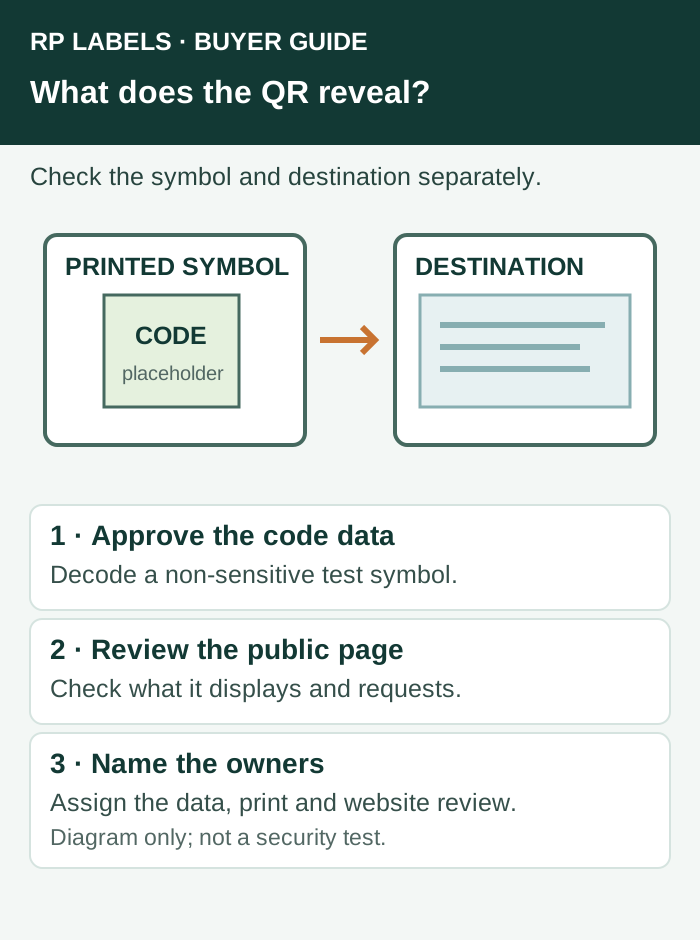
Separate the printed data from the web response
Before sending a data file to the printer, identify the symbology and decode a representative test symbol with an appropriate reader. Record the actual data fields or destination that the brand has approved for the packaging. A code may contain a URL, a product identifier, batch information or other data; the exact content depends on the system chosen. Do not assume that the visual pattern conceals its content from anyone who can scan it.
Then open the approved destination in a normal visitor context and review what it displays, what inputs it requests and what happens if a code is copied or shared. If a page reveals internal account details, customer information or a field that was not intended for public access, hold approval and ask the system owner to review it. The label converter can reproduce approved data; it cannot determine your access permissions from a print proof.
GS1's 2D barcode implementation guidance distinguishes encoded identifiers from information accessed through a web destination and discusses website security and privacy. Its retail examples do not mean every QR code is a GS1 code or that every hologram label is suitable for retail point of sale.
Use a fictional review before sending production data
Consider a fictional bottle labeled DEMO-01. The approved QR is intended to open a public product-instructions page. The system owner checks a test code and confirms whether the printed symbol carries only the intended test identifier and address. A reviewer then opens the page without a staff login and records which information is visible and whether any form requests personal details. This is a proposed approval exercise, not a real system or a penetration test.
If the brand wants a private service record or customer-specific information, the responsible digital team must design and test the relevant access controls before the production file is released. A hidden-looking serial number or hard-to-guess URL should not be treated as a complete access-control system. Do not place live credentials, personal data or private account links in sample artwork merely to make the demo look realistic.
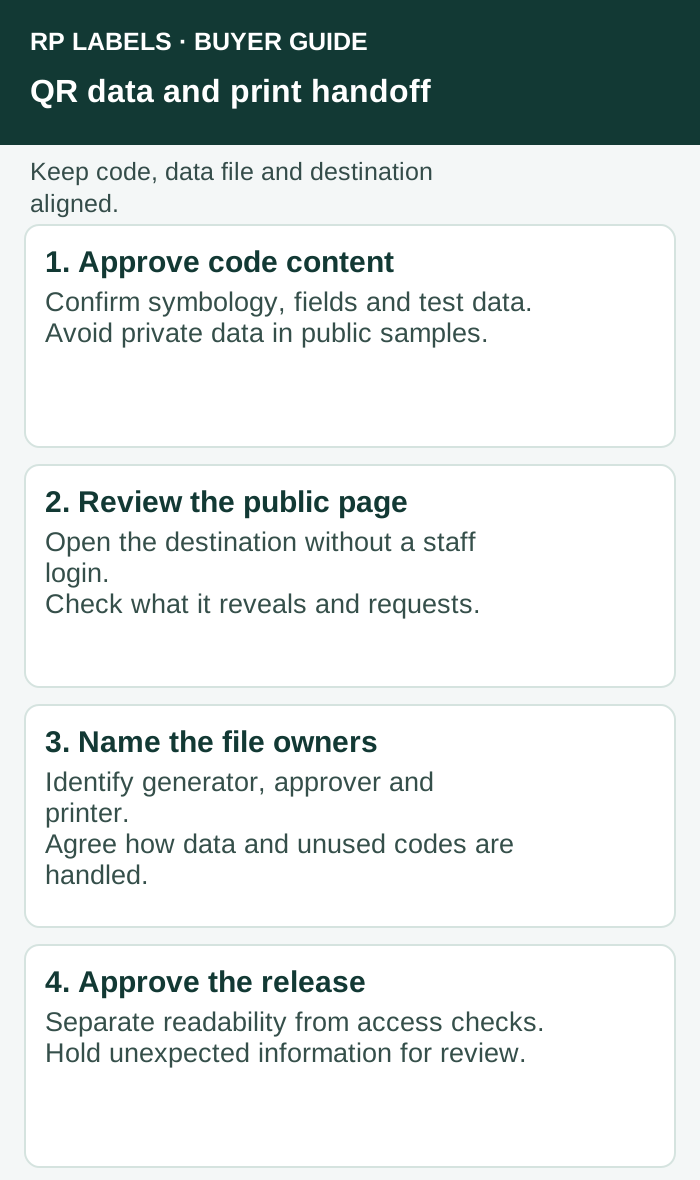
Define ownership of the data file
Identify who generates the code list, who verifies that every row belongs to the intended product or packaging run, who sends it securely to the converter, and who receives any unused data or production reconciliation. Share only information required for the agreed print job. The label artwork should identify the code area and its intended data, while the accompanying job record identifies the approved file version and the responsible contact.
For a sequence of unique codes, agree whether the printer will return a used, rejected or unused-code record, and who combines that information with the brand's own system. Do not assume a printer operates the verification website or maintains customer accounts. The separate serialization reconciliation guide covers the count handoff; this page focuses on what the code and destination make visible.
Check function and access separately
A printed test code can be reviewed for readability using the intended device and conditions, and where appropriate assessed against the applicable quality requirements. Separately, the website owner should verify the destination and any access restrictions. A code that scans correctly can still open the wrong page; a well-designed page cannot repair a code that is unreadable on the finished pack.
The QR destination ownership guide addresses who controls a link after printing. Here the issue is the scope of information exposed before a code is approved. For repeated scans or suspicious behavior, decide a response with the system owner; the duplicate-scan guide provides a separate triage framework. None of these steps guarantees that a label cannot be copied.
What to send in the label inquiry
Send RP Labels the intended label size, material, code area, whether each label uses the same or different code, quantity, roll format and a non-sensitive test file or approved artwork. Identify who owns the production data and destination, and ask the converter what print proof and reconciliation it can provide for this job. Keep website security, privacy decisions and approval of the data with the responsible brand or system owner.
Sources and scope
Sources accessed November 1, 2026: GS1, 2D barcodes at retail implementation guidance; GS1, QR security considerations. Examples are fictional and do not constitute a security audit, legal advice, a certification or a claim about RP's software services.